Organizations & Teams
What’s an Organization?
Section titled “What’s an Organization?”A container for your team, roles, and permissions. You can have multiple organizations (e.g., one per site) and each organization has its own members, access rules, and settings.
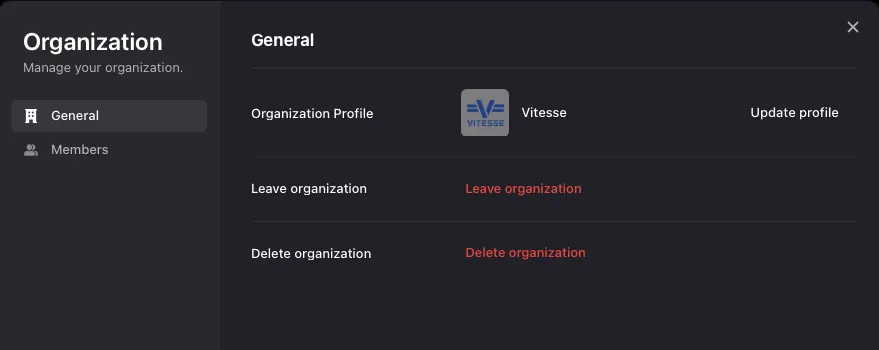
| Role | Access |
|---|---|
| Admin | Full access. Invite and remove members, change roles, and manage organization settings. |
| Member | Standard access to everything in the organization, without the ability to change settings or manage users. |
Inviting Team Members
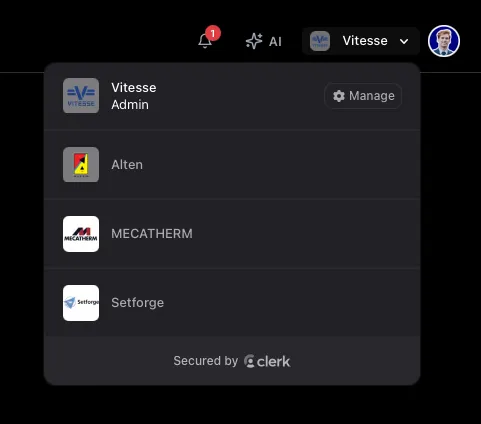
Section titled “Inviting Team Members”- Click the org switcher in the header → Manage Organization
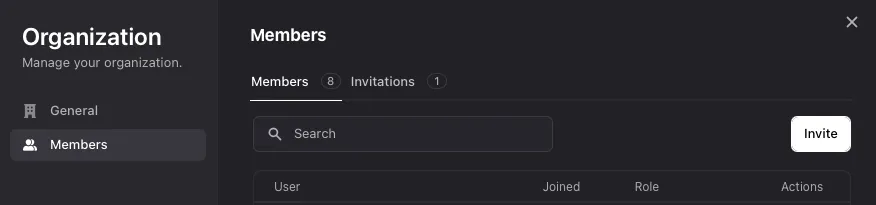
- Go to the Members tab
- Click Invite Members
- Enter their email and select a role
- They’ll receive an invitation email
Switching Organizations
Section titled “Switching Organizations”Click the org switcher in the header to switch between organizations. The app updates instantly to show only what belongs to the organization you’ve switched to.