
Signing In
Creating Your Account
Section titled “Creating Your Account”- Go to app.vitesse.dev
- Click Sign Up
- Choose your sign-in method:
- Google - one-click with your Google account
- Microsoft - one-click with your Microsoft account
- Email - enter your email and verify
- You’ll land on the Home Page
Signing In
Section titled “Signing In”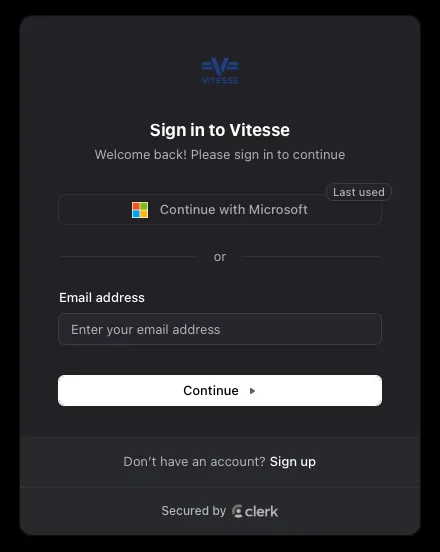
- Go to app.vitesse.dev
- Click Sign In
- Authenticate with your chosen provider
- You’re in
The Home Page
Section titled “The Home Page”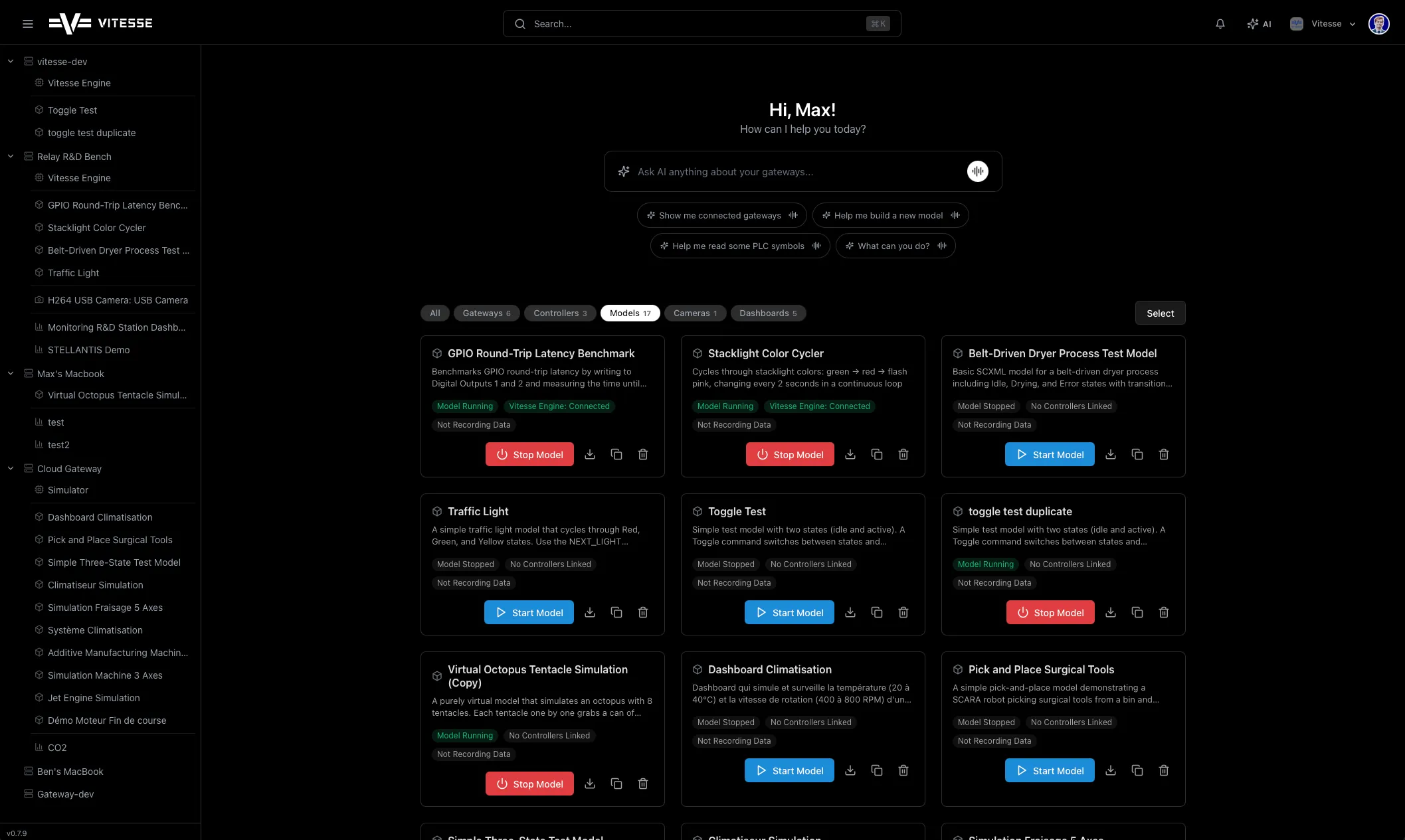
AI Prompt Bar
Section titled “AI Prompt Bar”At the top - “Ask AI anything about your relays.” Type a question or use the quick-start suggestions:
- “Show me connected relays”
- “Help me build a new model”
- “Help me read some PLC symbols”
Entity Grid
Section titled “Entity Grid”Below the prompt bar - cards for every Gateway, Relay, Controller, Model, Camera, and Dashboard. Filter by type with the tab bar:
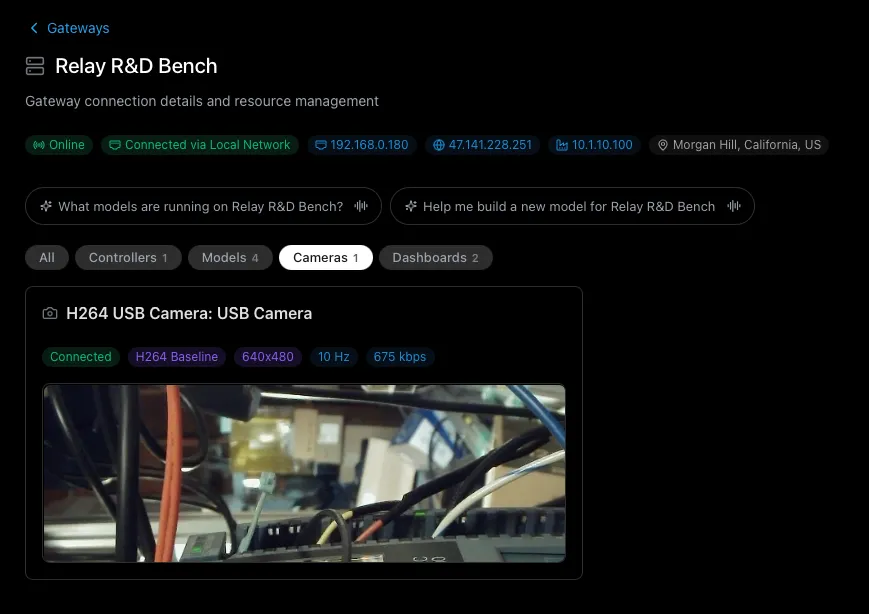
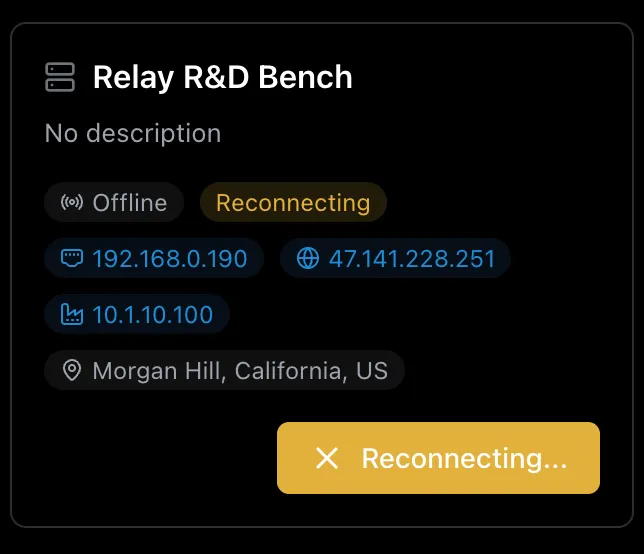
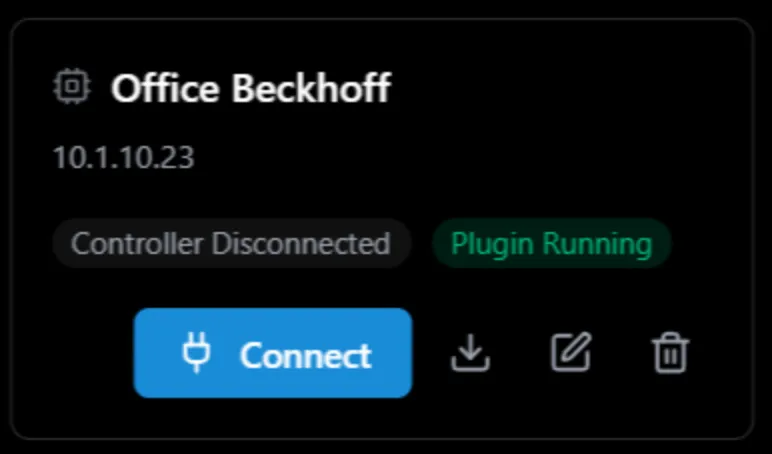
Each card shows:
- Name and type badges
- Status - running, stopped, connected
- Quick actions - start, stop, connect, open
Here’s what a typical relay card looks like:
And here’s a controller card:
Signing Out
Section titled “Signing Out”Click your avatar in the top-right corner → Sign Out.