Navigating the App
Three Panels
Section titled “Three Panels”The layout is consistent on every page:
Left - Tree Navigator
Section titled “Left - Tree Navigator”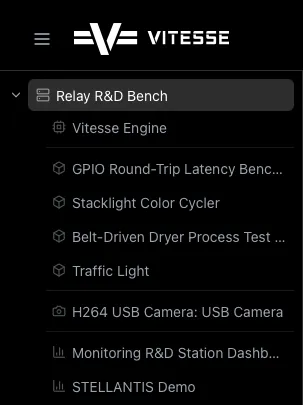
Your map of everything. Shows all gateways and their resources in a hierarchy. Click anything to jump to it. Drag the divider to resize.
Gateway A ├── Controller 1 ├── Model 1 ├── Camera 1 └── Dashboard 1Center - Main Content
Section titled “Center - Main Content”Whatever you click shows up here - live data, dashboards, cameras, models.
Right - AI Assistant
Section titled “Right - AI Assistant”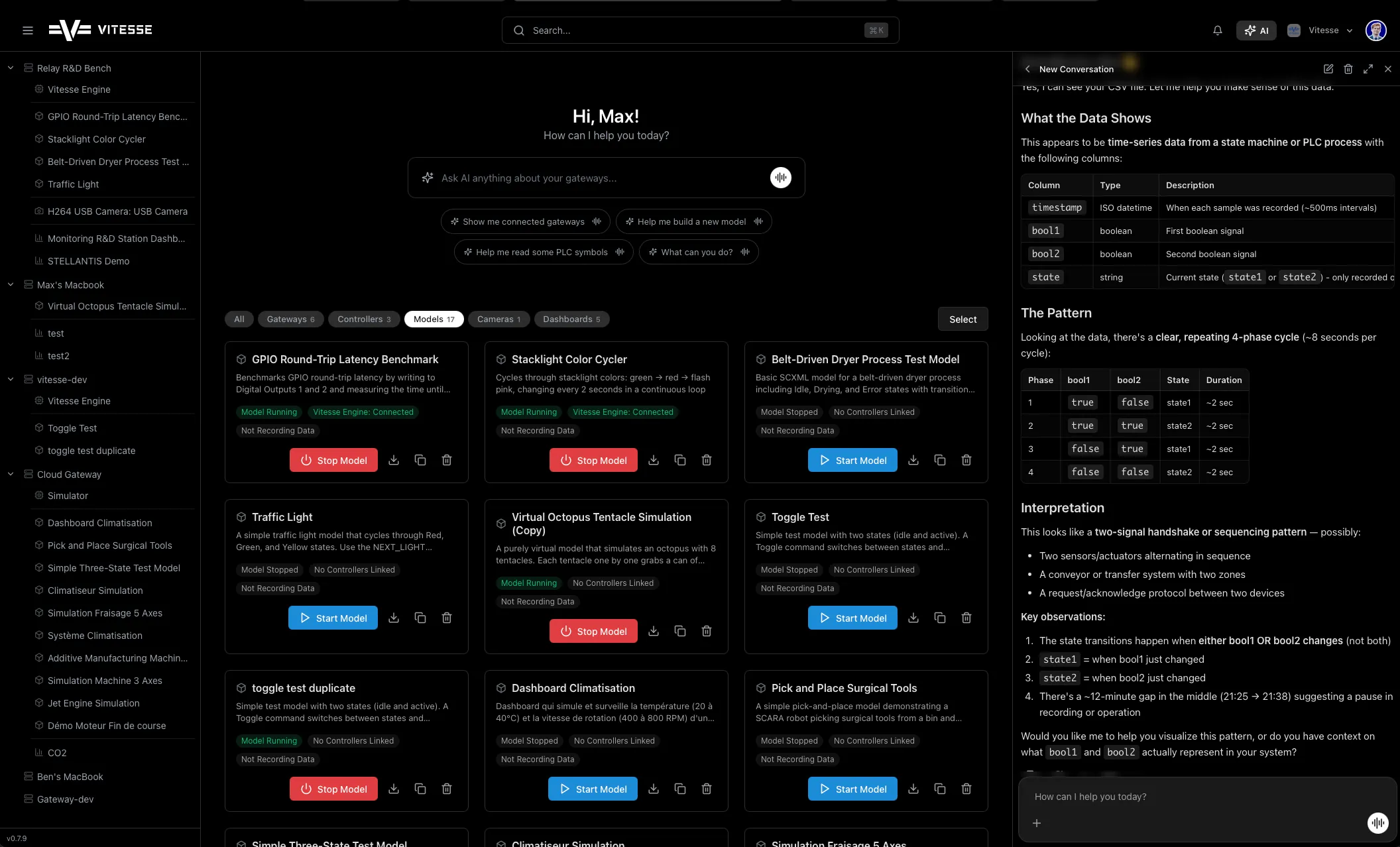
Toggle with the AI button in the header. Use it alongside whatever you’re viewing - ask questions about the data on screen.
Global Header
Section titled “Global Header”| Element | What It Does |
|---|---|
| Logo | Back to home |
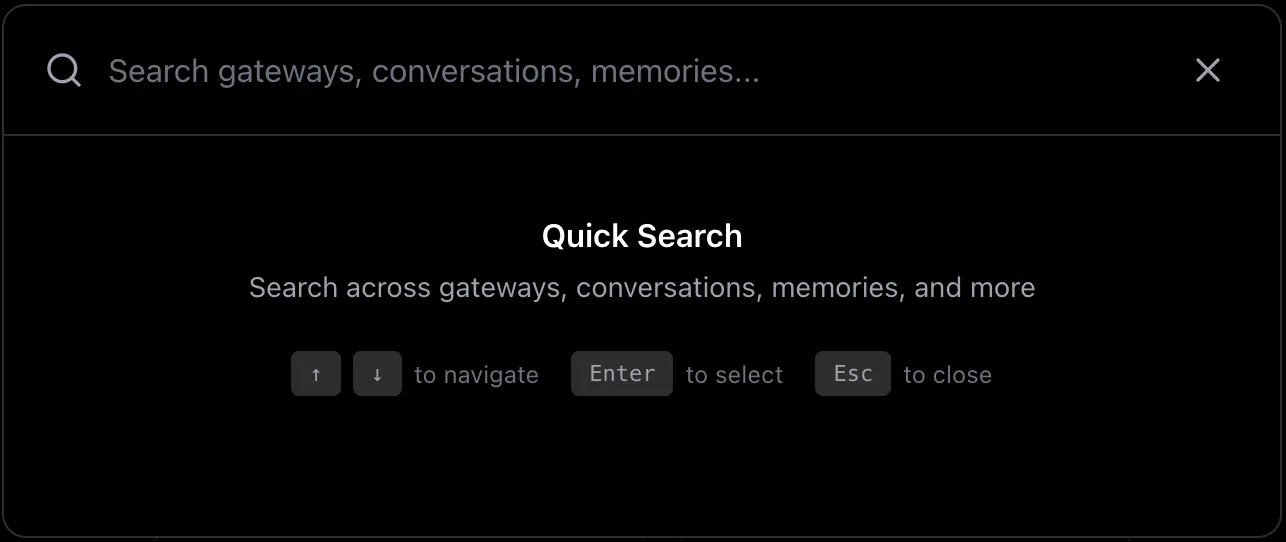
| Search (⌘K / Ctrl+K) | Find anything - gateways, controllers, models, cameras, dashboards |
| Bell icon | Update notifications |
| AI button | Toggle AI panel |
| Org switcher | Switch organizations |
| Avatar | Settings, sign out |